
Customer experience + product intelligence
Know your users.
Build what matters.
Product analytics, session replay, heatmaps, feedback, support conversations, roadmaps, and changelogs connected in one workspace.

Everything in one workspace
A complete picture of your product experience.
Connect customer-facing experiences with the behavior behind them, all without stitching together separate tools.
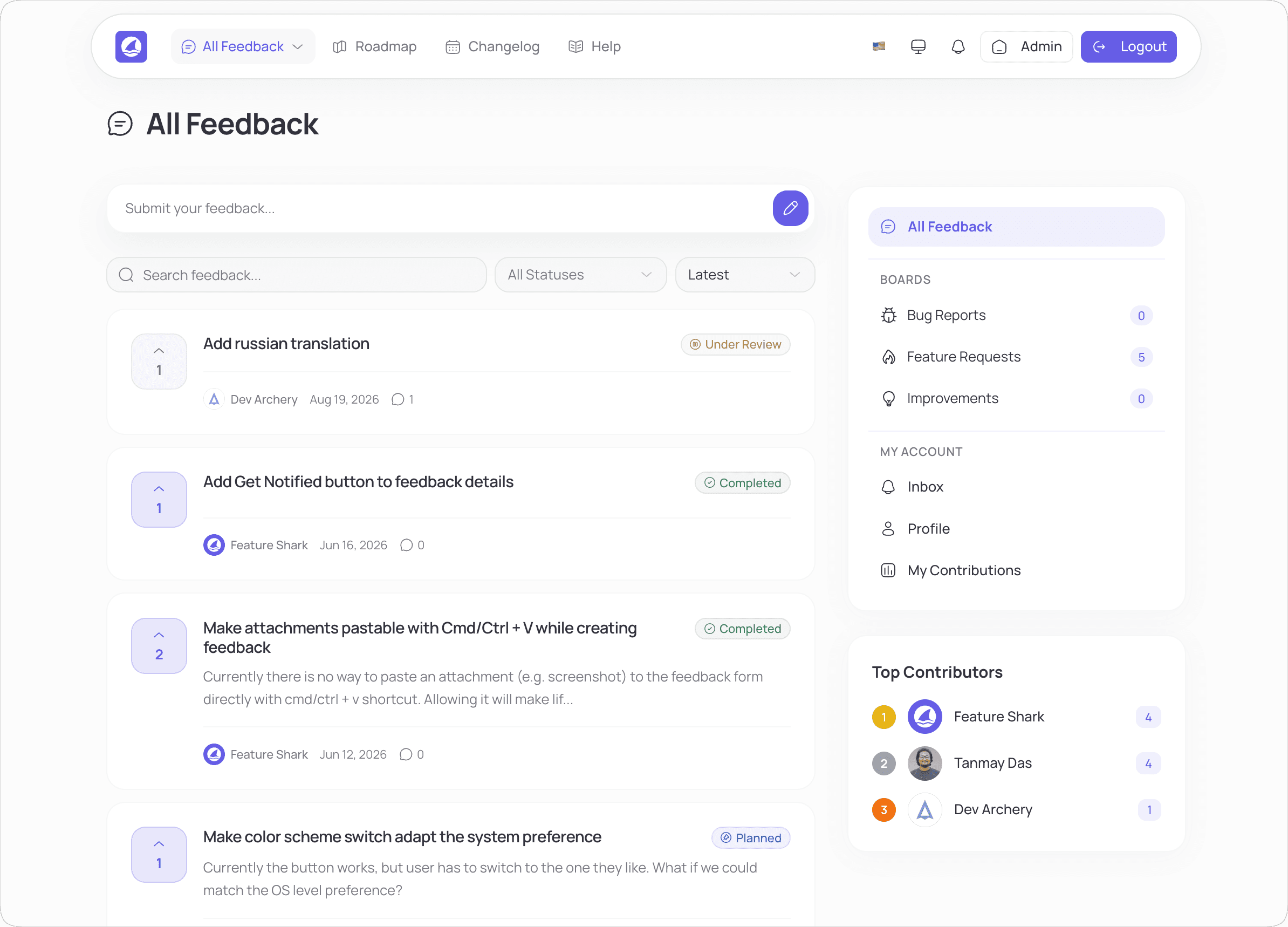
Collect thoughtful feedback from every customer.
See FeatureShark in action
Turn customer insight into product momentum.
Collect feedback, prioritize what matters, and keep customers close to every product decision.
Human control by design
Your judgment stays in charge.
Agents prepare the work
Sorting, summarizing, drafting, and follow-up happen for you.
Your team reviews the evidence
The context behind each recommendation stays visible.
People approve what matters
Set boundaries and keep consequential actions under human control.
Free plan
Start with one workflow.
Bring in real product work. Add agents as your team is ready.
- Unlimited end users
- Unlimited feedback items
- Up to 3 feedback boards
- 1 roadmap and 1 admin
- No credit card required
Paid plans include a 14-day trial.
A simpler product stack
Stop paying for different tools at every step.
FeatureShark connects the entire customer feedback loop in one workspace without stitching together a pile of recurring subscriptions.
Product analytics, session replay & heatmaps
Feedback boards & feature voting
Public & private product roadmaps
Product changelogs & release updates
Customer surveys
Searchable help center
Shared customer support inbox
One connected FeatureShark workspace
Alternative products are shown to illustrate overlapping use cases. Feature sets vary by product and FeatureShark tier; trademarks belong to their respective owners.
Featured around the web
Shared by launch communities and product directories.





















FAQ
Questions before you delegate product work
What agents handle, what your team controls, and how to begin.
They can organize feedback, summarize research, prepare customer responses, surface insights, and draft product communication.
Yes. Give each agent a focused role, responsibilities, voice, and approval boundaries.
No. Agents prepare context and handle repetitive work. Your team decides what to build, change, publish, or send.
Yes. Set boundaries so important actions wait for a team member to review and approve them.
They work alongside feedback, support, surveys, roadmaps, changelogs, and help content in FeatureShark.
FeatureShark connects with GitHub, Slack, Jira, Linear, and Monday.com. Availability varies by plan.
Create a workspace in minutes, then start with one focused agent job. Integrations and advanced workflows may take longer.
Yes. Start with the free plan. Paid plans include a 14-day trial.
Behavior meets customer voice
See the experience your metrics cannot explain alone.
Connect analytics, replay, feedback, support, and product decisions in one workspace.
Create your workspaceUnlimited submissions · Unlimited end users · No card